How to publish a sticker pack on WeChat
The WeChat Sticker Store lets other WeChat users discover and download approved packs. This guide covers the creator-platform workflow and the artwork to prepare. Publishing is optional—you can download your stickers for personal use without a store submission.
Still creating your pack? Start with the sticker-making guide to generate, cut, and download a set of 24 stickers.
The screenshots show WeChat’s Chinese-language creator platform. Available registration options, fields, and requirements may differ by account or change over time; use the current submission page as your reference.
1. Register on WeChat’s creator platform
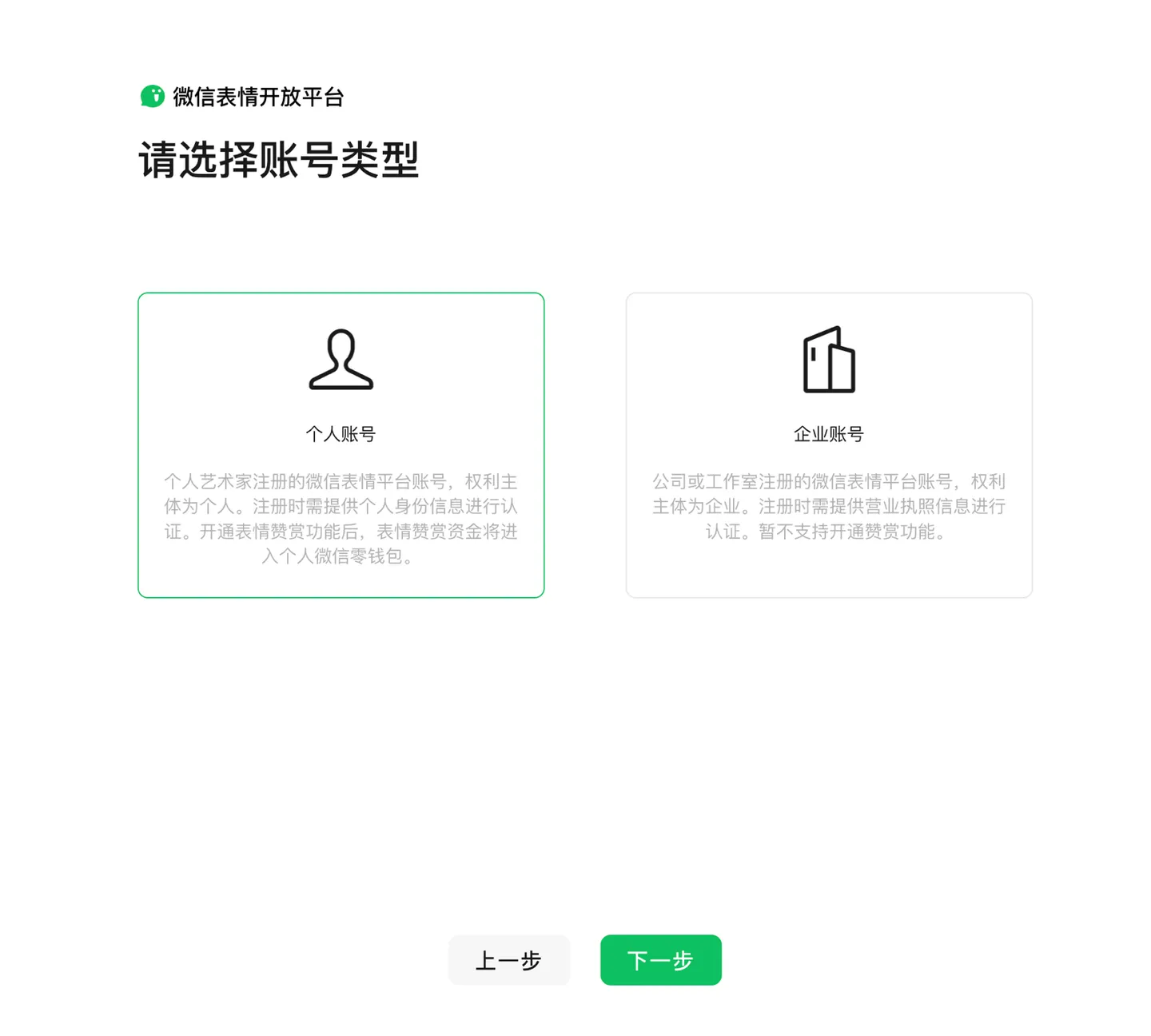
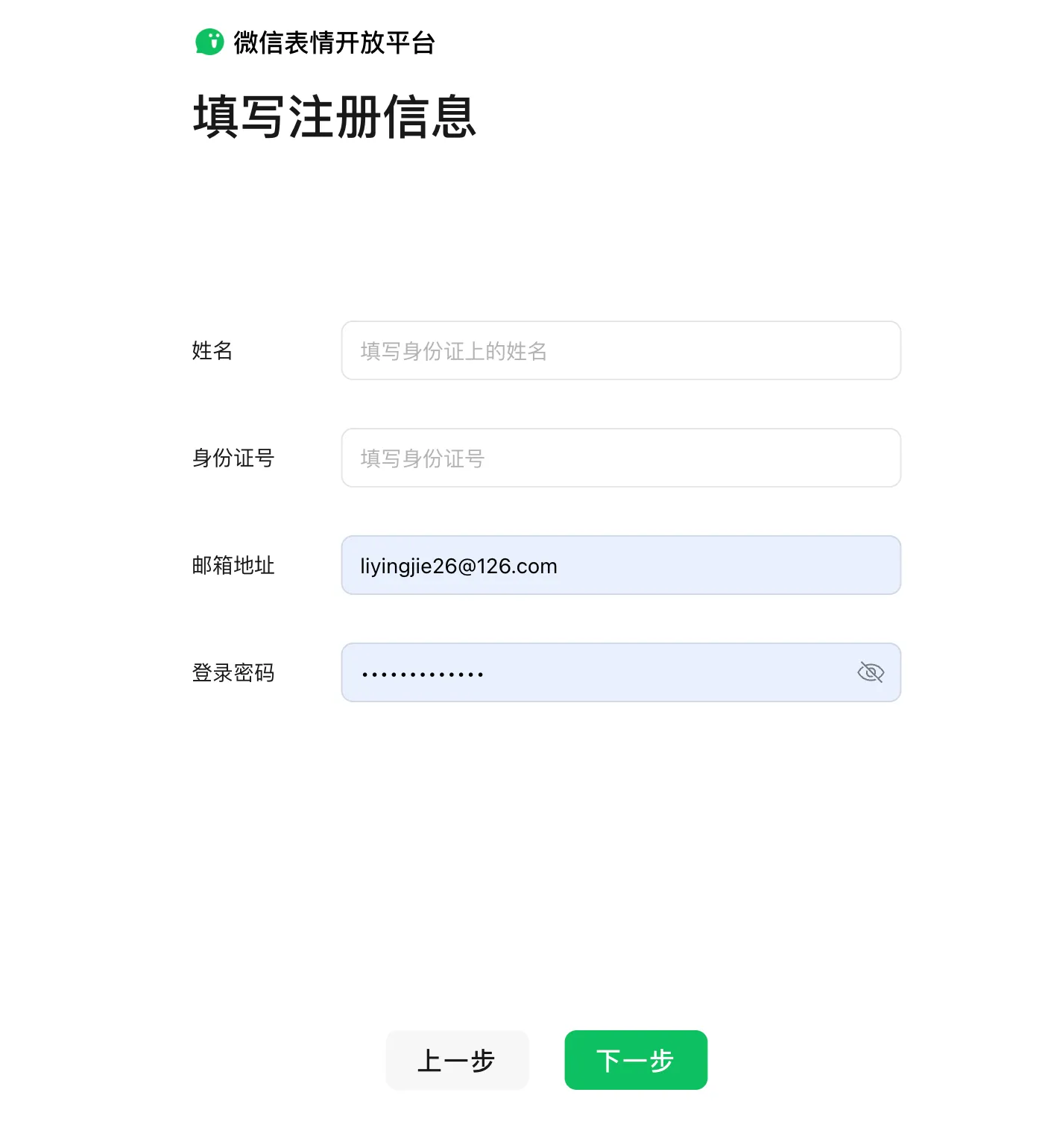
Open the WeChat Sticker Platform and choose the registration option. Follow the account-type, personal-information, and email-verification steps shown there. Once registered, use the sign-in methods linked to your creator account. Check the platform’s current registration options for your account and region.
Open the WeChat Sticker Platform →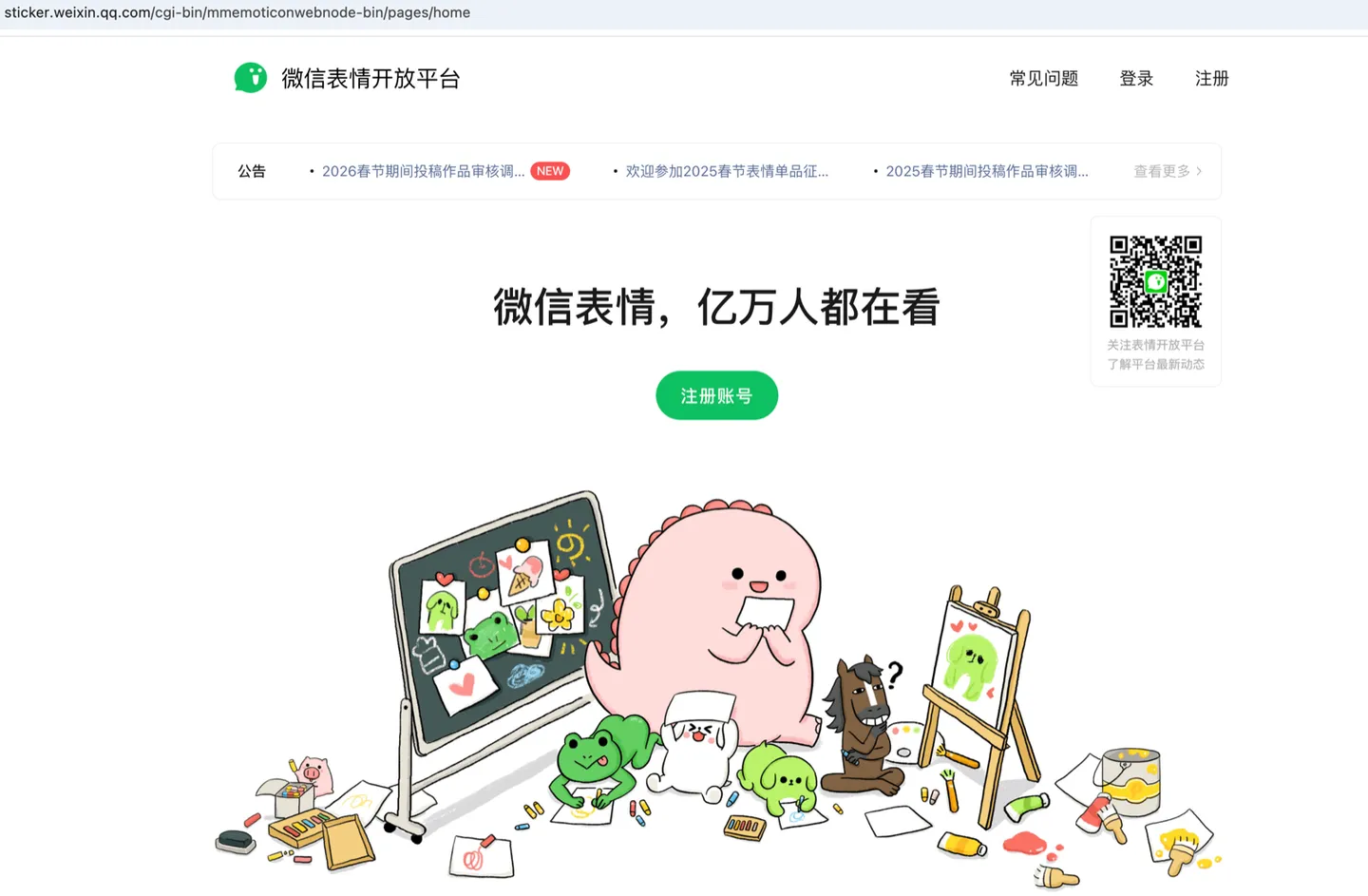
2. Start a sticker-pack submission
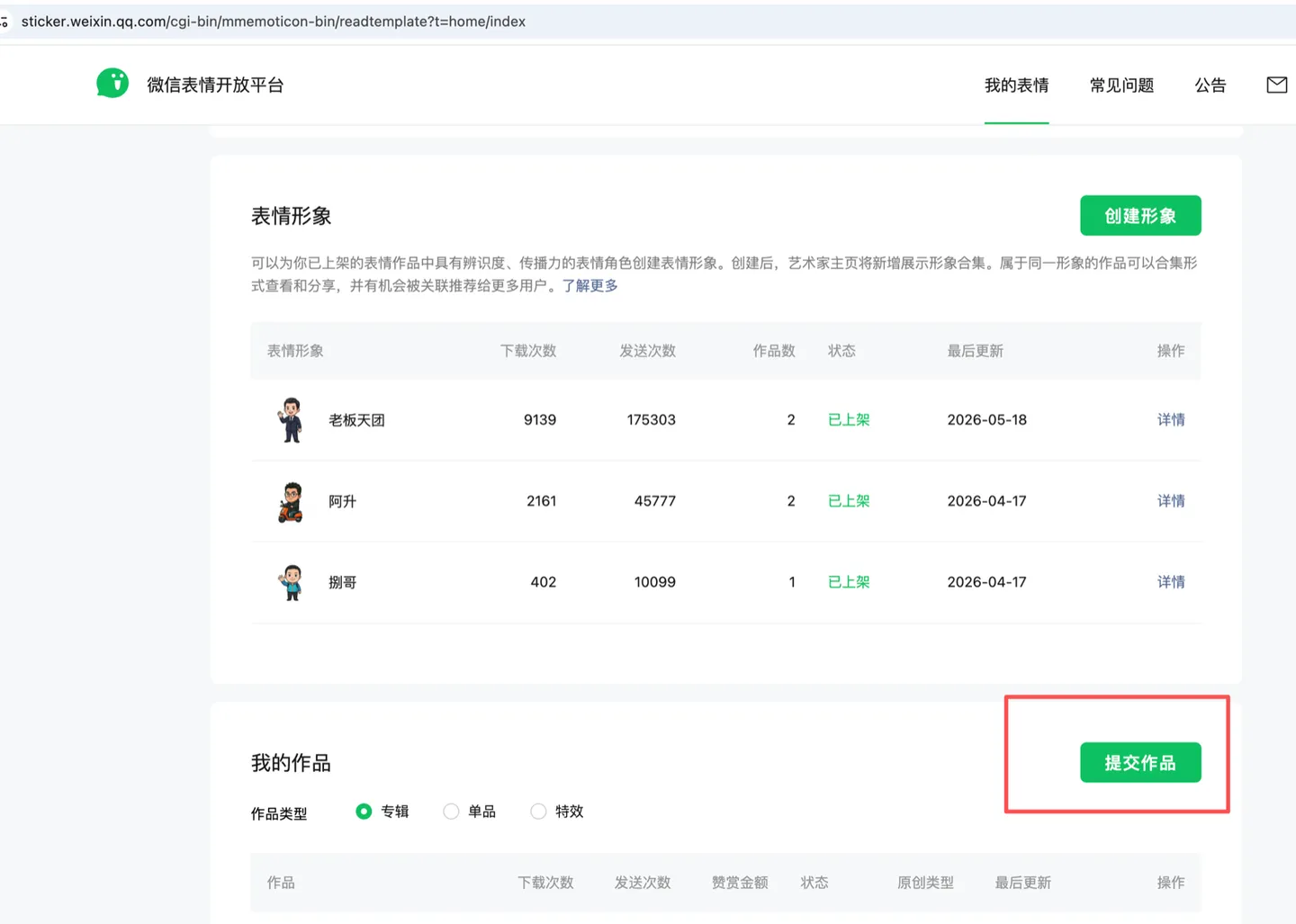
From your creator dashboard, choose the green submit-work button and select a sticker album. Follow the upload form to add your individual stickers, detail-page banner, pack cover, and chat icon. The screenshots below show the Chinese-language platform.
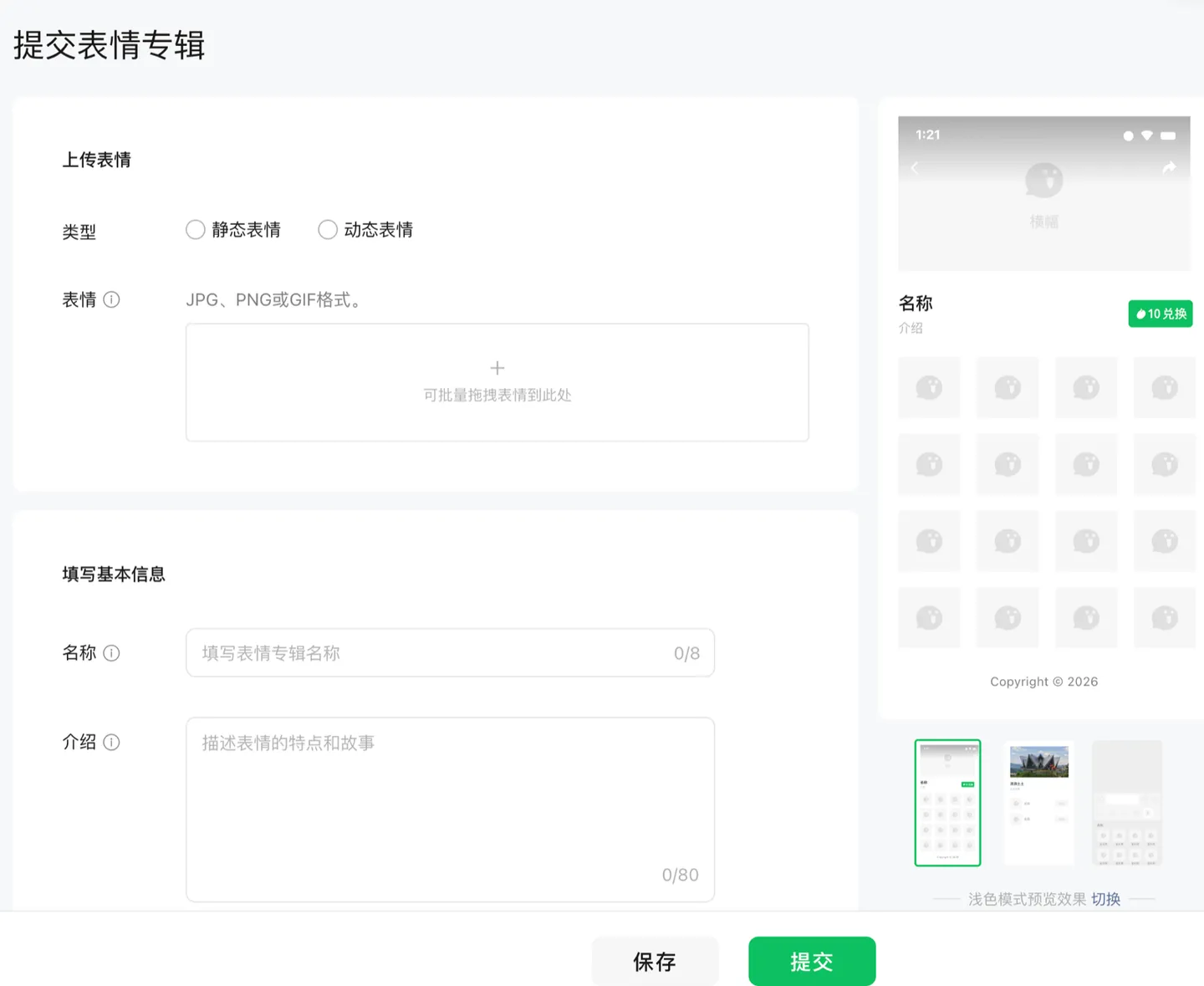
3. Add the details and submit for review
Add a short description that matches each sticker, enter the creator credit, and choose suitable categories. Review the artwork and all the information in the form before submitting. WeChat makes the final review decision.
- Sticker descriptions: Describe what each sticker actually expresses. Check spelling and review the platform’s content requirements.
- Creator credit: Use your creator name or nickname in the credit field. Avoid blank spaces or generic placeholder text.
- Supporting artwork: Read the help text beside each upload field. Sticker Kitchen exports common asset sizes, but you should still check the background, contents, and current platform requirements.
- Categories: Choose the categories that describe the work, such as cartoon characters, people, or pets.
- Rights information: Follow the form’s current requirements and use images, characters, and other materials you have permission to use. AI generation does not by itself establish rights to third-party material.
Artwork sizes at a glance
These are common export sizes for a static sticker pack. Sticker Kitchen prepares artwork at these dimensions; confirm the current format, size, and file limits in WeChat’s upload form.
For animated artwork, you can turn a photo into an animated GIF. Animated submissions have their own format and file-size requirements, so check those separately before uploading.
| Asset | Format | Size (pixels) | Quantity | Notes |
|---|---|---|---|---|
| Individual sticker | PNG | 240×240 | 8 / 16 / 24 | Exported at this size by the cutting tool; confirm the pack sizes accepted by the current submission form. |
| Detail-page banner | JPG / PNG | 750×400 | 1 | Files over 500 KB may be compressed. Avoid text, white backgrounds, and transparency. |
| Pack cover | PNG | 240×240 | 1 | Transparent background; use a recognizable half- or full-body character. Files over 500 KB may be compressed. |
| Chat icon | PNG | 50×50 | 1 | Transparent background; a front-facing character head works well at this size. Files over 100 KB may be compressed. |
Detail-page banner · 750×400
This appears at the top of the pack’s detail page. Use a bright scene connected to the stickers, with a background that stands apart from the interface. Avoid text and white or transparent backgrounds, and keep the artwork’s proportions intact.
Pack cover · 240×240
The cover represents the pack on the artist’s page. Use a recognizable half- or full-body character on a transparent background. Keep it clean and easy to read, without jagged edges, a white outline, or excessive empty space. Give each pack its own cover.
Chat icon · 50×50
This small image appears in the chat sticker tray. A front-facing character head on a transparent background usually stays readable at 50 pixels. Avoid square borders, white outlines, and rough edges. Use a distinct icon for each pack.
Still need your store artwork?
Create the stickers, banner, cover, icon, and optional appreciation artwork in Sticker Kitchen. One workflow, no Photoshop.