About 30 s · Transparent · 2 credits
Text to GIF: Describe It, Get an Animated Sticker
No photo, no drawing: type “a corgi in sunglasses nodding smugly”, pick a style, and AI draws a moving sticker in about 30 seconds. It comes with a transparent background and a white sticker outline by default, so it reads on dark chat themes too—download it and send it in any chat app.
 Want your own photo to move?Make your photo move with AIUpload a photo, describe a motion, get a GIF in about two minutes
 Example
- Just a sentence
- About 30 seconds
- Your own motion, 5 styles
- Transparent + white outline
- 2 credits, refunded on failure
- No watermark
Text to GIF at a glance
Sticker Kitchen’s text to GIF is an AI animated sticker generator. Type a description (up to 200 characters, any language, saying who and what they do), pick a style, and in about 30 seconds the AI makes a 512×512 looping GIF of 9 frames, with a transparent background and a white sticker outline by default. Each GIF is 2 credits, refunded on failure, and your GIFs stay in your account to download again. It works from text only—to animate your own photo, use photo to GIF.
- Input
- A description up to 200 characters, any language; no image upload
- Motion
- Written in your description; small on-the-spot moves work best: waving, nodding, a hop, crying, dozing off
- Styles
- Cute cartoon, 3D, Pixel art, Doodle, Realistic
- Output
- GIF, 512×512, 9 frames, loops in about 1.4 s
- Background
- Transparent with a white outline, or white
- Time
- About 30 seconds
- Price
- 2 credits each, refunded on failure; new accounts get 4 free
Examples
GIFs made from one line of text
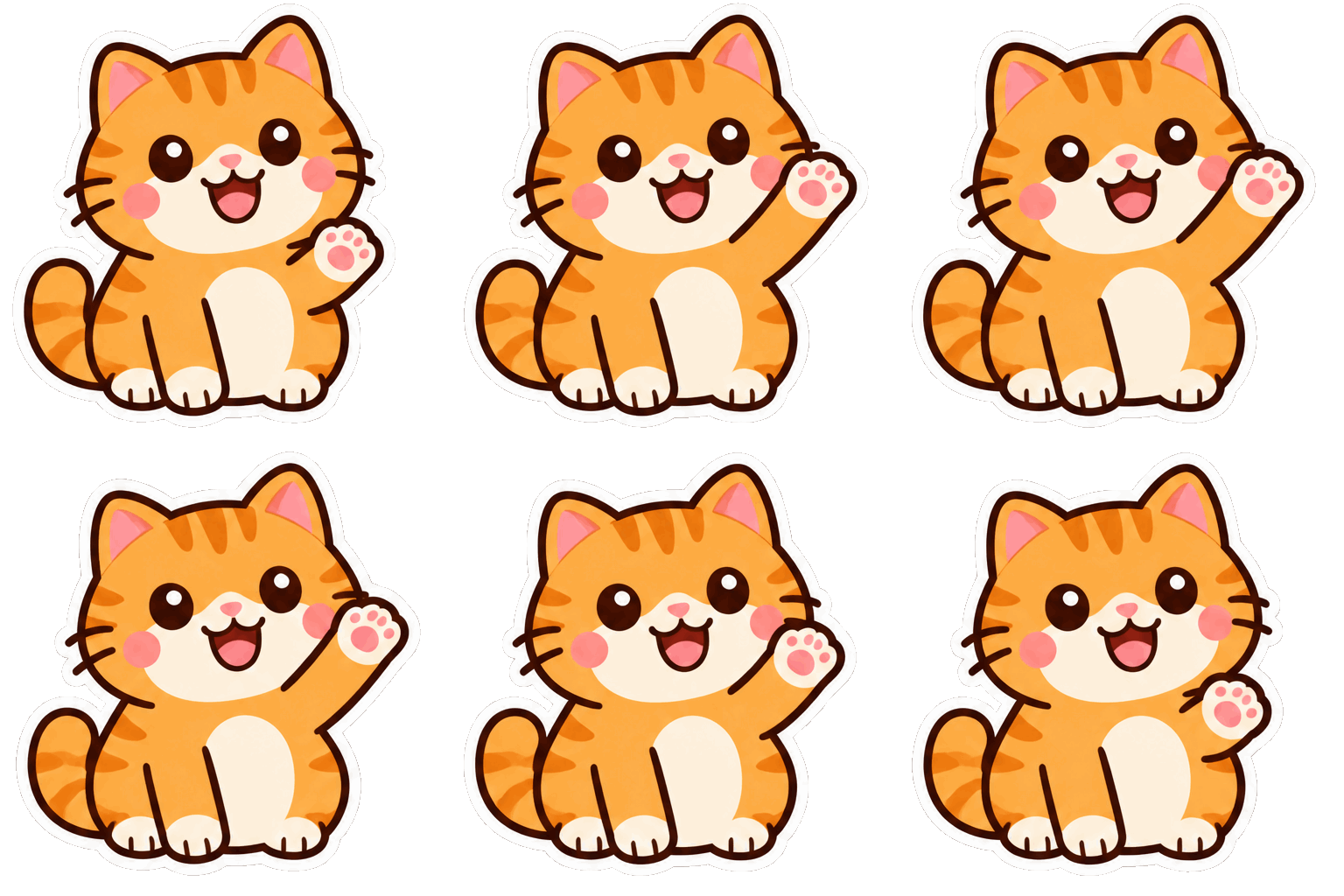
All four were made with this page’s default settings in one try, unedited: 512×512, 9 frames, transparent background with a white outline.
“A chubby orange cat waving hello”
Cute cartoon
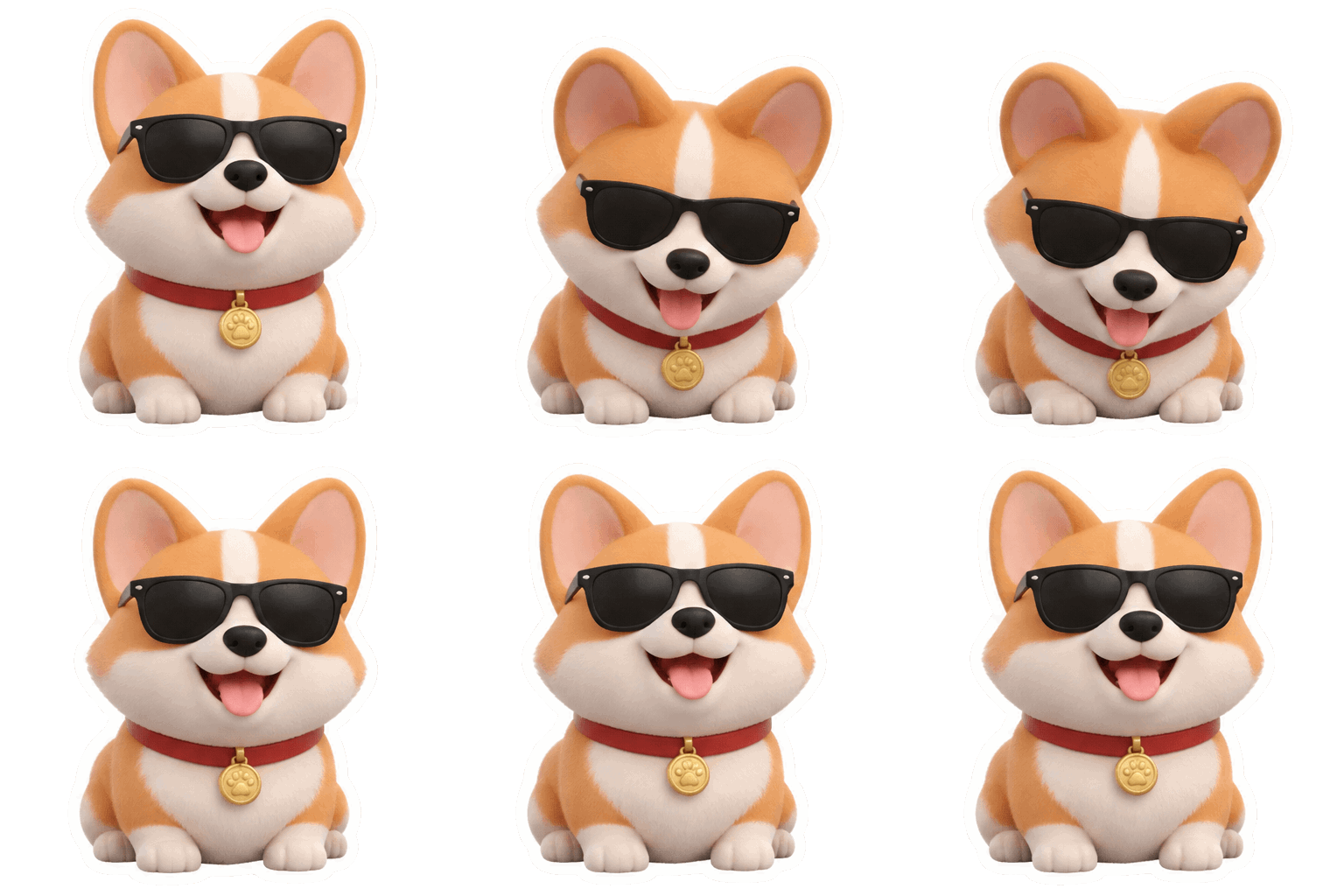
“A corgi in sunglasses nodding smugly”
3D
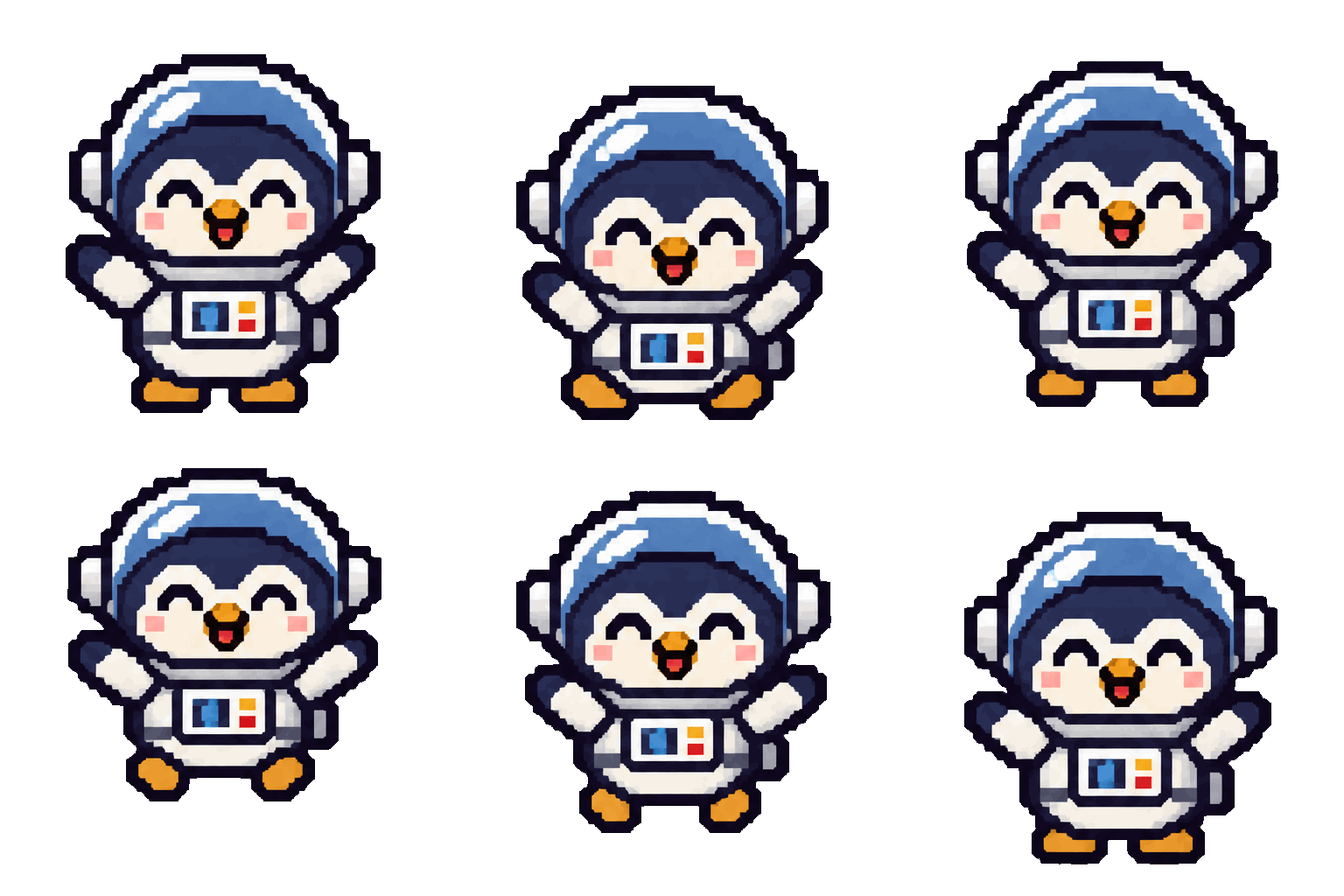
“A penguin astronaut hopping happily”
Pixel art

“A tired bear with a coffee dozing off”
Doodle
Three steps
How to turn text into a GIF
Three steps—no photo and no drawing skills needed.
- 1
Describe it
Say who it is, what it looks like and what it does, e.g. “a chubby orange cat in a red scarf, happily waving hello”. The more specific, the closer the result. Stuck? Tap one of the ideas.
- 2
Pick a style and background
Choose a style (Cute cartoon, 3D, Pixel art, Doodle, Realistic), then a transparent background with a white outline or plain white.
- 3
Make it and download
Press Make GIF and it’s ready in about 30 seconds—2 credits, refunded on failure. Download the GIF and send it; one click takes it to the GIF compressor for a 240×240 WeChat sticker.
Which one
Text to GIF or photo to GIF?
Both make GIFs with AI; they start from different places.
| Text to GIF | Photo to GIF | |
|---|---|---|
| Starts from | A description | Your photo |
| Best for | No picture—you want a cartoon character sticker | Animating yourself, a pet or a logo |
| Motion | Small motions like waving or nodding, 9 frames | Smooth video-like motion, 48 frames |
| Time | About 30 s | About 2 min and up |
| Price | 2 credits | From 4 credits |
To animate your own photo, use photo to GIF; to caption an image or GIF you already have, use the free meme maker.
Writing tips
How to write a description that works
The AI draws 9 frames at once: a clear character and a simple motion give the steadiest result.
Describe the look, not just the name
“A cat” is vague; “a chubby orange cat in a red scarf” isn’t. Colours, build and accessories make the character yours.
One character, one small motion
Stick to on-the-spot moves like waving, nodding or a hop. Running off-screen, several characters or busy scenes don’t fit in 9 frames.
Want words? Ask for them
No text is drawn by default. Ask for a word in the description—short English words work best. For Chinese captions, add them afterwards in the meme maker.
FAQ
Text to GIF FAQ
Is it free?
Each GIF is 2 credits, refunded if it fails. New accounts get 4 free credits—enough for 2 GIFs. Credits don’t expire; the smallest pack is US$0.99 for 10 credits.
Can I upload a photo and animate it?
This tool works from text only. To animate your own photo, pet or logo, use photo to GIF—from 4 credits, with smoother motion.
What size is the GIF? Does it work as a WeChat sticker?
The GIF is 512×512, 9 frames, about 300–800 KB, ready to send in chat apps. WeChat’s sticker store needs 240×240 under 500 KB: press “Make a 240×240 WeChat sticker” under the result to open it in the GIF compressor and pick the WeChat preset.
Is the background transparent?
Yes by default, with a white sticker outline around the character so it stays clear on dark chat themes. You can choose a white background instead.
Is the character the same each time? Can I make a set?
Each GIF is drawn from scratch, so the character varies even with the same description—it’s best for one-off stickers. For a matching set, use the AI sticker pack maker on the home page: 24 stickers of one character at once.
Can I add text?
Ask for a word in the description—short English words come out best. For other captions, press Add text under the result to use the free meme maker, with your choice of font and position.
What if it fails or I don’t like it?
If it fails, the 2 credits come back automatically. A finished GIF you don’t like isn’t refunded—make the description more specific or try another style.
Where are my earlier GIFs?
Signed in, the latest 12 are under My GIFs below the form, and all of them are in your history under Animated GIFs—free to download again.
What can’t I make?
Sexual, violent or hateful content isn’t allowed. Descriptions are checked before any credits are used; a refused one costs nothing.
Still have a question? Email support@biaoqingchufang.com