1–2 min · 16 stickers · First pack free
Telegram Sticker Maker: A Whole Pack from One Photo
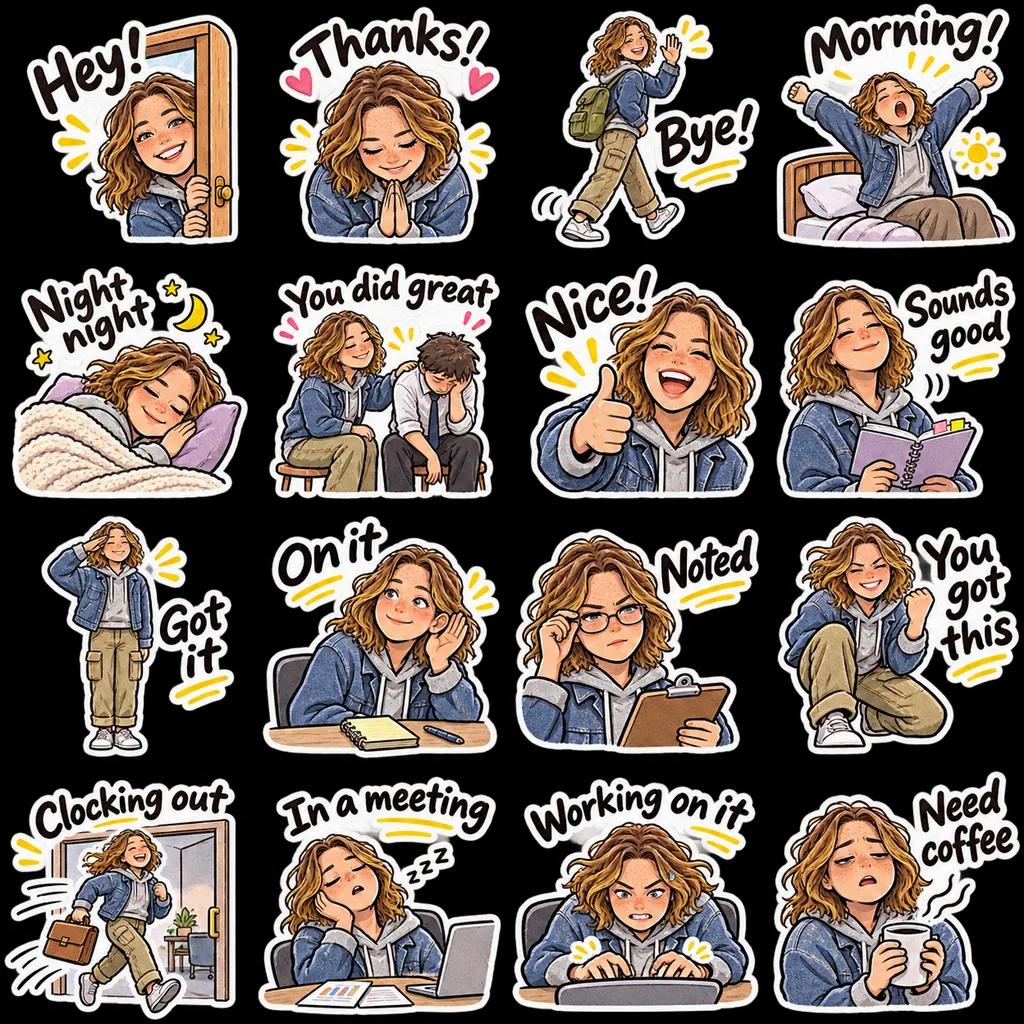
Upload a photo or describe a character, and AI draws 16 stickers of the same face with different expressions, poses and captions, cut to Telegram’s 512×512 transparent PNG format. Send them to the official @Stickers bot and your pack—with its own share link—is live in minutes.
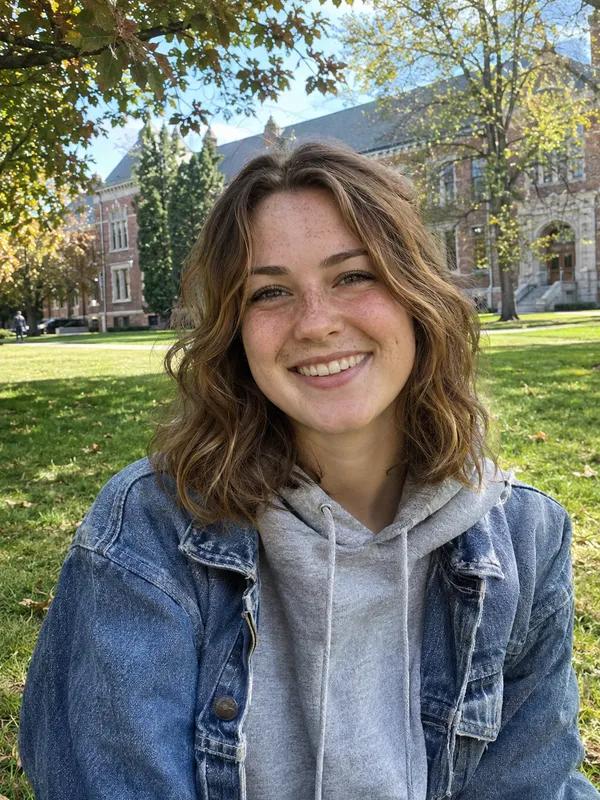
Your photo
Choose up to 3 themes. Selected: 1/3
Enter captions separated by commas or line breaks.
No reference image needed—you can start with a description.
Include appearance, clothing, accessories and personality. Ask for a consistent character.
Try this: A cheerful girl with short hair, a round face, glasses and a yellow hoodie. Keep her appearance consistent.
Uses 4 credits
- A photo or a description
- 16 stickers, one character
- 512×512 transparent PNG
- @Stickers bot steps included
- First pack free
The Telegram sticker maker at a glance
Sticker Kitchen’s Telegram sticker maker uses AI to turn one photo (or a description) into 16 stickers of the same character, cut to the 512×512 transparent PNG format Telegram requires for static stickers (under 512 KB each), ready to publish with the official @Stickers bot. A pack is 4 credits; new accounts get 4 free, and failed generations are refunded.
- Input
- A photo of a face, a pet or a character, or a description
- You get
- 16 stickers of one character with different expressions, poses and captions
- Telegram format
- 512×512 PNG, transparent, under 512 KB each
- Styles
- Cute chibi, photo-realistic, pixel art, doodle
- Time
- About 1–2 minutes to generate, 5 to publish
- Price
- 4 credits a pack, refunded on failure; 4 free credits for new accounts
Three steps
How to make a Telegram sticker pack
Make and download it here, then publish it with the @Stickers bot.
- 1
Upload a photo and generate
Upload a photo or describe a character, pick a style and themes, and get 16 cut stickers in about 1–2 minutes.
- 2
Download the 512 PNGs
On the cut page, press Download 512 PNGs to get every transparent PNG; on a phone they can go straight to Photos.
- 3
Send them to @Stickers
In Telegram, open @Stickers, send /newpack and a name, send each PNG as a file followed by an emoji, then /publish and choose the link.
Telegram requirements
Telegram sticker types and their requirements
Telegram has three kinds of stickers. The packs made here are static stickers; for moving ones, use the free GIF to Telegram sticker converter.
| Type | Format | Size | File size and length |
|---|---|---|---|
| Static | PNG or WebP | One side 512 px, the other ≤ 512 | ≤ 512 KB |
| Video | WebM (VP9) | One side 512 px, the other ≤ 512 | ≤ 256 KB, ≤ 3 s, ≤ 30 fps, no sound |
| Animated | TGS (Lottie vector) | 512 × 512 px | ≤ 64 KB, ≤ 3 s, 60 fps |
Based on Telegram’s official sticker guidelines. To turn a GIF into a video sticker, use GIF to Telegram sticker.
The @Stickers bot
Publishing your pack with the @Stickers bot
Every Telegram sticker pack is created through the official bot, on a phone or a computer.
Start a pack
Search for @Stickers (with the verified badge), send /newpack, then the pack’s name, which everyone will see.
Add each sticker
Send each PNG as a file, not a photo (photos get compressed), and follow it with an emoji that matches its mood.
Publish and share
Send /publish, set an icon (or /skip), and choose a short name to get a t.me/addstickers/ share link. Add more later with /addsticker.
FAQ
Telegram sticker maker FAQ
How do I make Telegram stickers from my own photo?
Upload the photo here and generate; in about 1–2 minutes you have 16 cut stickers. Download the 512 PNGs and send them to the @Stickers bot in Telegram (/newpack) to create your pack.
What size do Telegram stickers need to be?
Static stickers are PNG or WebP with one side exactly 512 px and the other 512 or less, under 512 KB, ideally transparent. Video stickers are WebM (VP9), also 512 px on one side, under 256 KB and 3 seconds.
Why does the bot say the file is wrong?
Usually the image was sent as a photo, which Telegram compresses to JPG. Send the PNG as a file instead, and check that one side is 512 px.
Can I make animated Telegram stickers?
The AI packs are static. For moving stickers, turn a GIF or short clip into a WebM video sticker with the free GIF to Telegram sticker converter, then create a video pack with /newvideo in @Stickers. No GIF yet? Make one with photo to GIF.
Is it free?
A pack is 4 credits. New accounts get 4 free credits, so the first pack is free; after that credit packs start at US$0.99. Downloads and publishing are free, and failed generations are refunded.
Are 16 stickers enough? Can I add more?
Generate more packs with other themes or captions and add them to the same pack with /addsticker in @Stickers.
Can I use the same stickers on WhatsApp?
Yes. The cut page also offers a WhatsApp pack (WebP files and a tray icon); see the WhatsApp sticker maker page for how to add it.
Still have a question? Email support@biaoqingchufang.com
Turn one photo into a Telegram sticker pack
Make my stickers ↑ Already have a GIF? Turn it into a Telegram sticker, freeWebM video sticker under 256 KB, made in your browser