1–2 min · 16 stickers · First pack free
WhatsApp Sticker Maker Online: 16 Stickers from One Photo
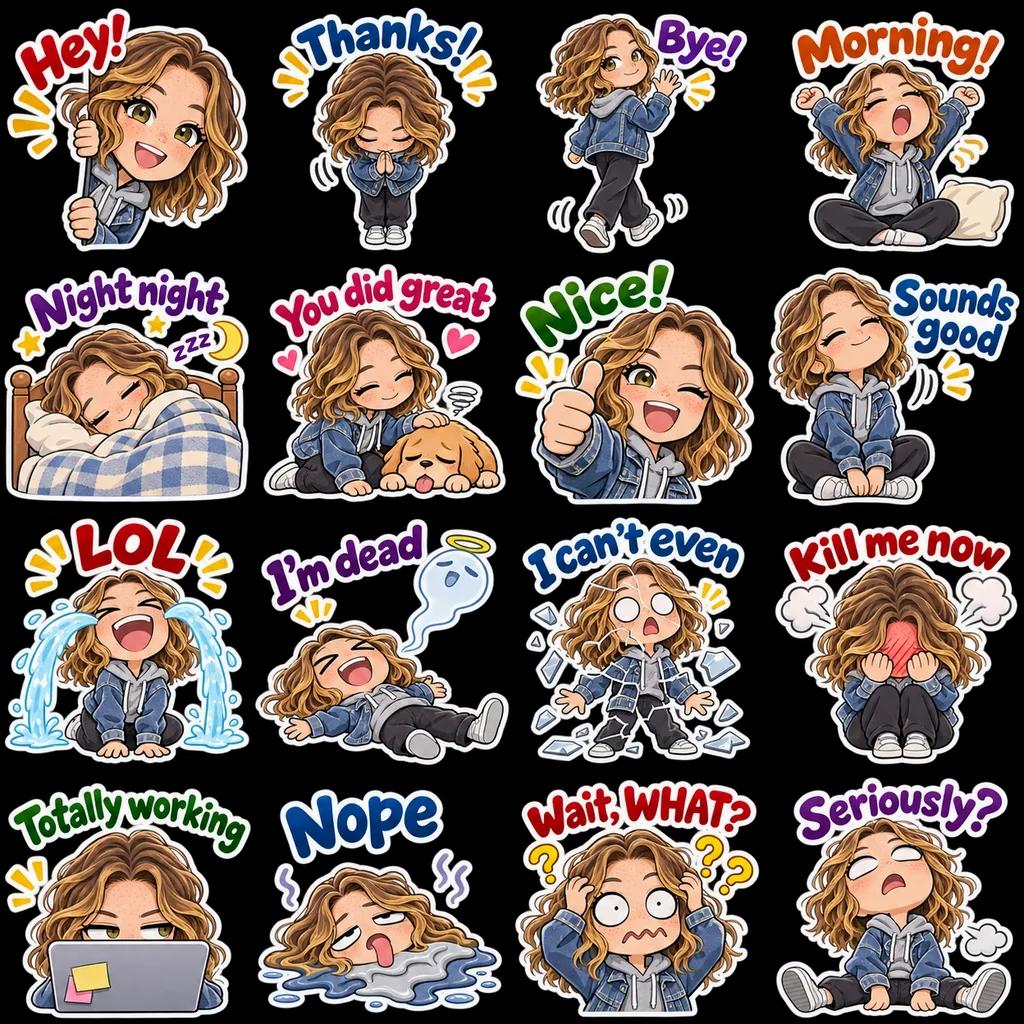
Upload a selfie, a pet photo or a character, and AI draws 16 stickers of the same face with different expressions, poses and captions. They’re cut to WhatsApp’s 512×512 WebP format, under 100 KB each, and downloaded as a pack with the tray icon. No drawing, no Photoshop.
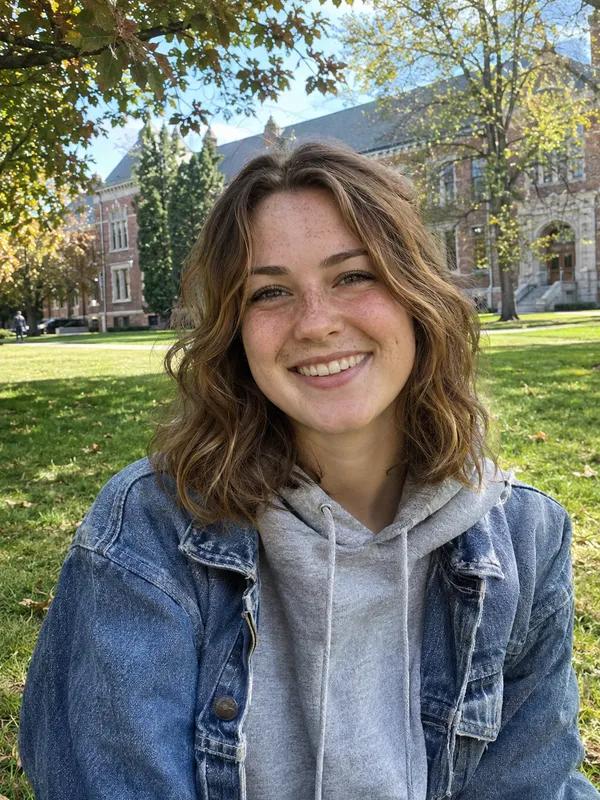
Your photo
Choose up to 3 themes. Selected: 1/3
Enter captions separated by commas or line breaks.
No reference image needed—you can start with a description.
Include appearance, clothing, accessories and personality. Ask for a consistent character.
Try this: A cheerful girl with short hair, a round face, glasses and a yellow hoodie. Keep her appearance consistent.
Uses 4 credits
- A photo or a description
- 16 stickers, one character
- 512×512 WebP under 100 KB
- 96×96 tray icon included
- First pack free
The WhatsApp sticker maker at a glance
Sticker Kitchen’s WhatsApp sticker maker uses AI to turn one photo (or a description) into 16 stickers of the same character, cut to WhatsApp’s 512×512 transparent WebP format—under 100 KB each with a 16 px margin—plus a 96×96 tray icon. A pack is 4 credits; new accounts get 4 free, and failed generations are refunded.
- Input
- A photo of a face, a pet or a character, or a description
- You get
- 16 stickers of one character with different expressions, poses and captions
- WhatsApp format
- 512×512 WebP under 100 KB each, transparent, 16 px margin
- Tray icon
- 96×96 PNG under 50 KB, in the same ZIP
- Time
- About 1–2 minutes a pack
- Price
- 4 credits a pack, refunded on failure; 4 free credits for new accounts
Three steps
How to make WhatsApp stickers from a photo
Three steps to a whole pack, the last one is adding it to WhatsApp.
- 1
Upload a photo, pick a style and themes
Use a clear photo, or just describe the character. Pick a style and up to three themes, and add your own captions if you like.
- 2
Generate and check
In about 1–2 minutes the AI draws 16 stickers and cuts them apart. Drag a cutting line if needed and delete any you don’t like.
- 3
Download the WhatsApp pack
Press Download for WhatsApp to get the WebP stickers and tray icon, then add them to WhatsApp as shown below.
WhatsApp requirements
WhatsApp sticker size and format requirements
WhatsApp only accepts stickers that meet these rules. Every sticker made here already does.
| Item | Requirement | Stickers made here |
|---|---|---|
| Size | 512 × 512 px | 512 × 512 with a 16 px margin |
| Format | WebP | Transparent WebP |
| Still sticker size | Up to 100 KB | Compressed to under 100 KB |
| Animated sticker | Up to 500 KB and 10 seconds | Use the free GIF to WhatsApp sticker tool |
| Tray icon | 96 × 96 PNG, up to 50 KB | Made for you |
| Stickers per pack | 3–30 | 16 per generation |
Already have a GIF or a clip? Use the free GIF to WhatsApp sticker converter for animated stickers.
Add to WhatsApp
How to add your stickers to WhatsApp
Pick the way that matches your device.
WhatsApp Web or Desktop
Open a chat → emoji panel → Stickers → Create, and pick a downloaded WebP. Send it, then favorite it so it stays in your sticker tray.
iPhone
Save the stickers to Photos, then in a WhatsApp chat tap the sticker icon → Create sticker and pick one. Add them one at a time.
Android (whole pack)
Use a sticker importer app from your app store (search “personal stickers for WhatsApp”), create a pack, add the WebP files and the tray icon, and tap Add to WhatsApp. Each pack holds 3–30 stickers.
FAQ
WhatsApp sticker maker FAQ
How do I create a sticker on WhatsApp?
WhatsApp has two ways: on WhatsApp Web, Desktop and iPhone, open the sticker panel in a chat, tap Create and pick a picture to turn it into one sticker; on Android, a sticker importer app adds a whole pack. For a full set of one character with captions, generate 16 stickers from one photo here first, then add them either way.
How do I make WhatsApp stickers from my own photo?
Upload the photo on this page, pick a style and themes, and press Generate stickers. In about 1–2 minutes you get 16 cut stickers; Download for WhatsApp gives you WebP files and a tray icon that WhatsApp accepts as they are.
What size and format are WhatsApp stickers?
512×512 pixel WebP files: up to 100 KB for still stickers and 500 KB (10 seconds) for animated ones, ideally with a 16 px transparent margin. A pack also needs a 96×96 PNG tray icon under 50 KB, and holds 3 to 30 stickers.
WhatsApp has its own sticker maker—why use this?
WhatsApp’s Create sticker cuts out one photo into one sticker. This tool uses AI to draw a whole set of 16 stickers of the same character from one photo, each with its own expression, pose and caption—a real sticker pack.
Is it free?
A pack is 4 credits. New accounts get 4 free credits, so the first pack is free; after that credit packs start at US$0.99. Cutting and downloads are free, and failed generations are refunded.
Can I write my own captions?
Yes. Enter up to 16 captions, separated by commas, and they’re drawn exactly as written; your themes fill the rest.
Can I make animated WhatsApp stickers?
The AI packs are still images. For animated stickers, make a GIF with photo to GIF, then turn it into an animated WebP under 500 KB with the free GIF to WhatsApp sticker converter.
Can I use the same stickers on Telegram?
Yes. The cut page also offers 512×512 PNGs, which Telegram and Signal accept; see the Telegram sticker maker page for the steps.
Is my photo made public?
No. Your photo and stickers are stored in your account for generating and viewing only; see the privacy policy.
Still have a question? Email support@biaoqingchufang.com
Turn one photo into a WhatsApp sticker pack
Make my stickers ↑ Already have a GIF? Turn it into a WhatsApp sticker, freeAnimated WebP under 500 KB, made in your browser