Free · in your browser
MP4 to GIF
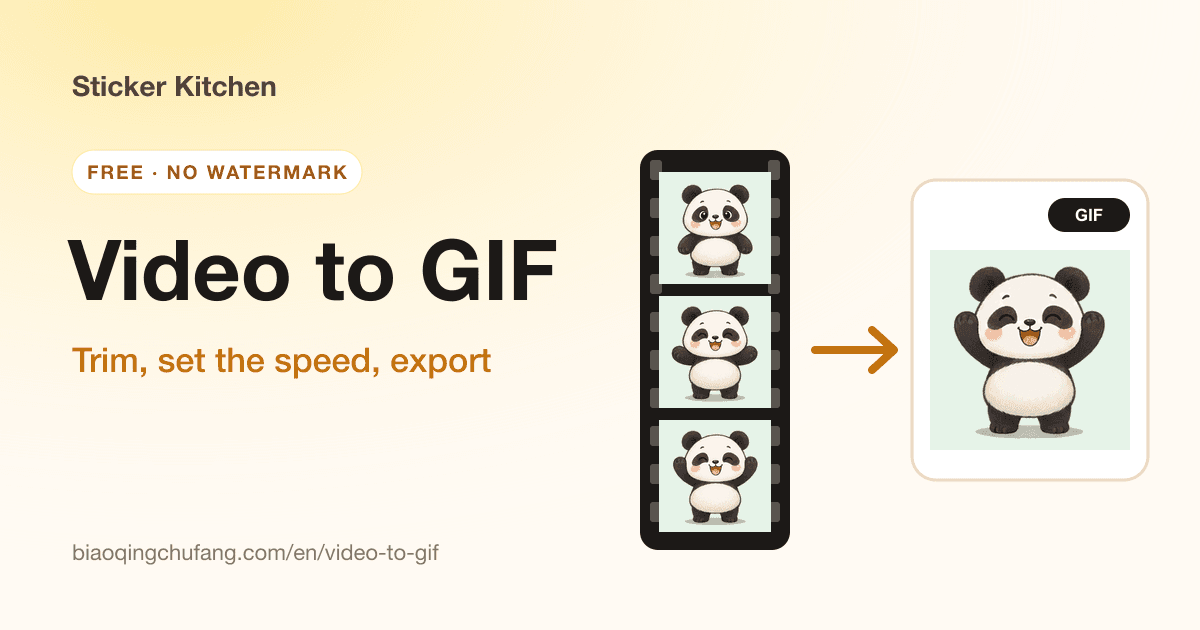
Trim an MP4, MOV or WebM clip, set the speed, frame rate and size, and export a GIF.
- Videos up to 500 MB
- Clips up to 30 seconds
- 0.5×–2× speed
6 tools · Updated 2026-10-23
Sticker Kitchen GIF tools are free online tools for making, captioning, converting and compressing GIFs—plus AI that animates a single photo. The free tools run in your browser: no uploads, no watermark, no sign-up.
Find the right tool
| I want to… | Use |
|---|---|
| Turn a video into a GIF | MP4 to GIF |
| Make a GIF from several photos | Image to GIF |
| Animate a single photo | AI photo to GIF |
| Add text to a GIF or image | Add text to GIF · Meme maker |
| Post a GIF to Instagram or TikTok | GIF to MP4 |
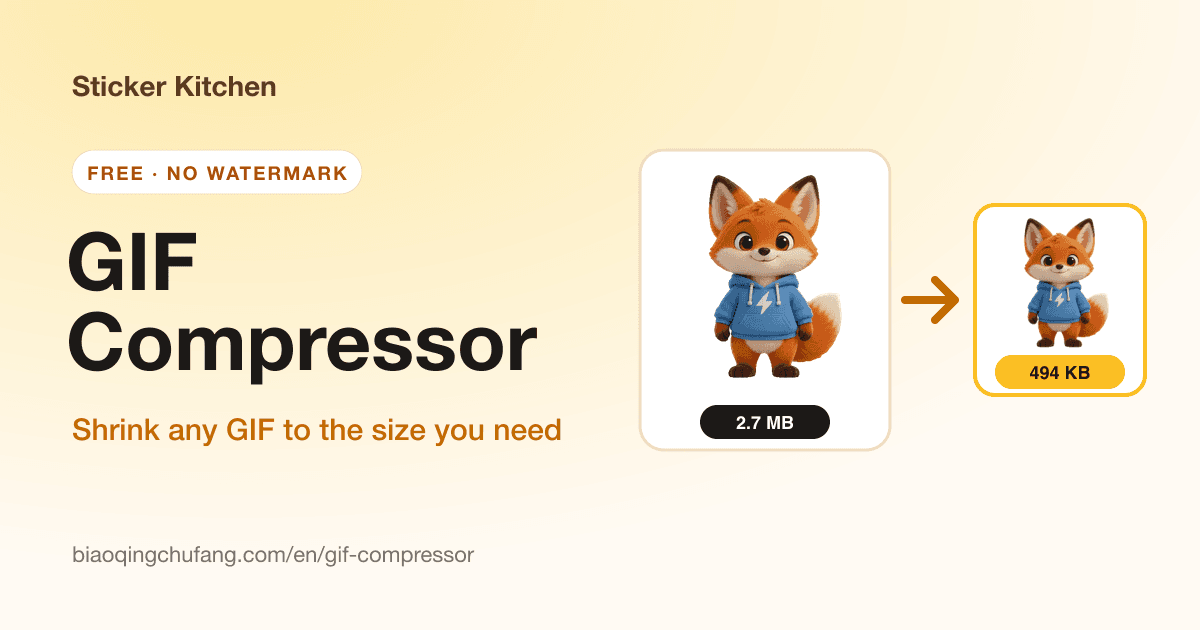
| Get a GIF under a size limit (WeChat 500 KB, Discord 256 KB) | GIF compressor |
| Make a GIF smaller so a page loads faster | GIF compressor |
Start from scratch
Start from a video, a set of pictures or a single photo.
Trim an MP4, MOV or WebM clip, set the speed, frame rate and size, and export a GIF.
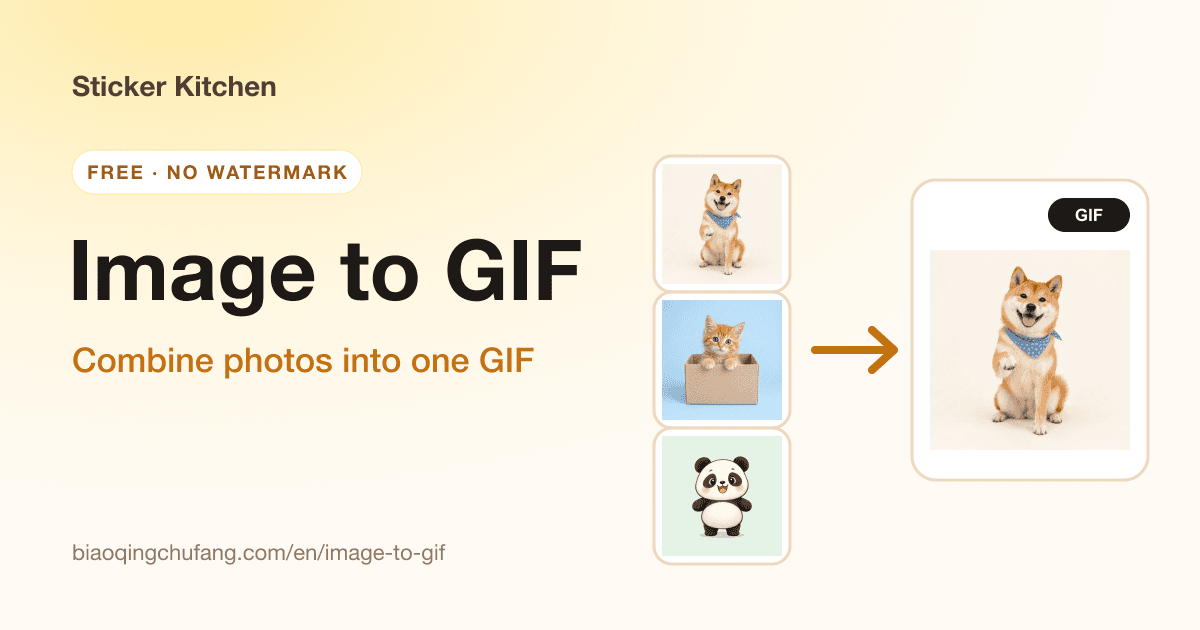
Combine several pictures into one GIF. Reorder them, set the timing and add crossfades.
Have just one photo? Describe a motion and AI animates the person, pet or character in it.
Already have a GIF
Already have a GIF? Add a caption, turn it into a video or get it under a size limit.
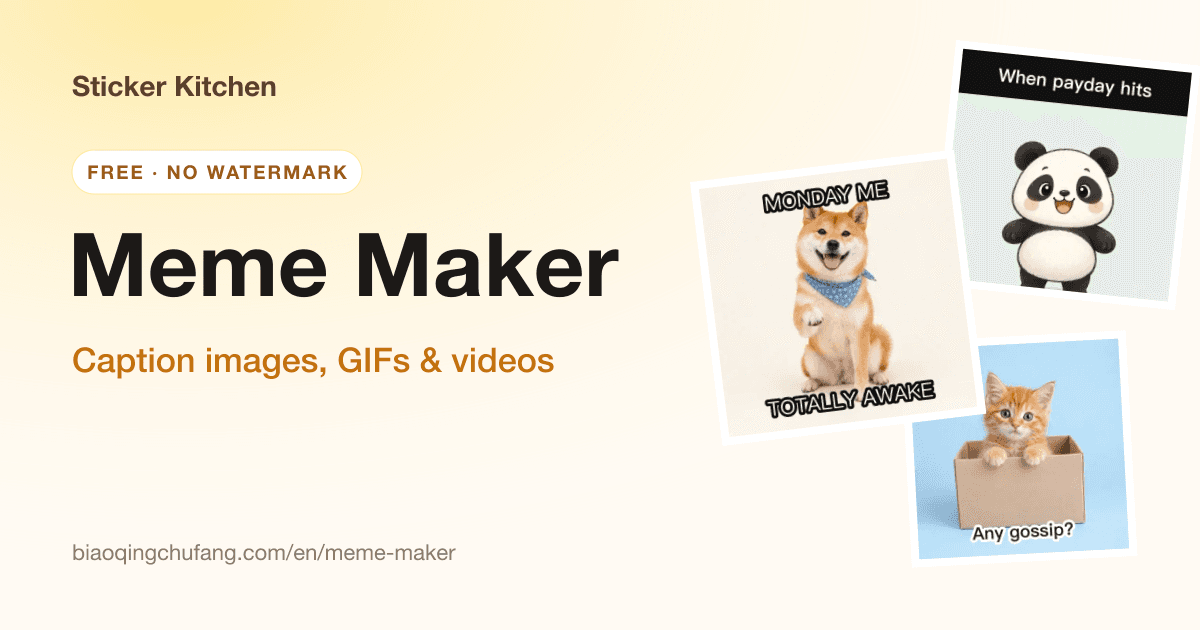
Caption GIFs, images and videos with five meme templates. GIF animation stays intact.
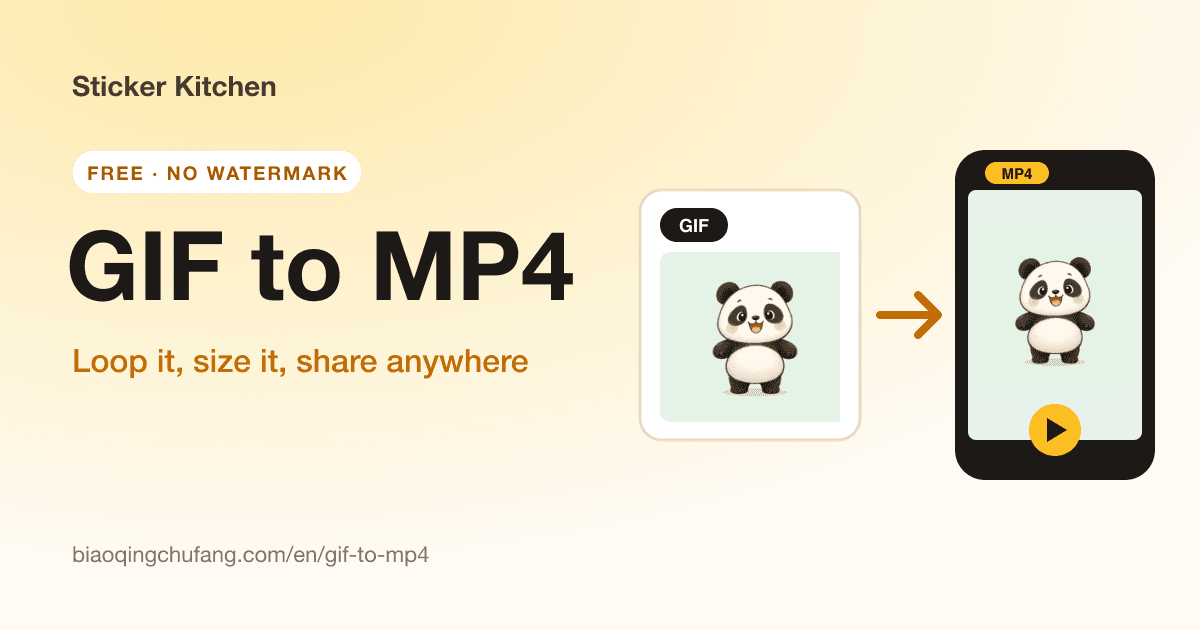
Turn a GIF into an H.264 MP4 that’s smaller and ready for Instagram, TikTok and WhatsApp.
Shrink a GIF to an exact size, like 500 KB for WeChat or 256 KB for Discord, or tune it by hand.
Put them together
Cut the clip to a GIF, add a caption, then compress it under 500 KB.
Animate the photo with AI, then compress it for the app you’re posting to.
Caption the GIF, then turn it into a 1080p MP4 for Reels or TikTok.
Why Sticker Kitchen
The free tools run in your browser. Your videos, pictures and GIFs never reach our servers.
Open a tool and start. No limits, and nothing is stamped on your file.
Runs in current mobile and desktop browsers; on phones you can save straight to Photos.
Chat-sticker sizes, size presets for WeChat, Discord and Slack, and fonts for real captions.
FAQ
Yes. MP4 to GIF, image to GIF, GIF to MP4, the GIF compressor and the meme maker are free and unlimited, with no watermark and no sign-up. Only AI photo to GIF uses credits, because it runs an AI video model.
Not with the free tools—everything happens in your browser. AI photo to GIF sends your reference photo to the AI model to make the video and keeps the result in your account.
With a video, use MP4 to GIF and trim a clip. With several pictures, use image to GIF and set the order. With a single photo, use AI photo to GIF and describe the motion.
Use the GIF compressor and pick a target such as 500 KB. It tries lossless optimization, lossy compression, fewer colors and resizing, and keeps the sharpest version under the target.
Use a GIF for chats, stickers and documents, where it loops everywhere. Use an MP4 for Instagram, TikTok and other video apps—it’s smaller and shows full color. Convert between them with GIF to MP4 and MP4 to GIF.
Yes. Use Safari on iPhone or Chrome on Android. Some in-app browsers can’t save files, so open the page in your phone’s browser if downloads fail.
Yes. They send fine in chats. For the WeChat Sticker Store each GIF must be under 500 KB, which the GIF compressor handles.
Yes. New GIF tools are added here as soon as they launch; this page was last updated on 2026-10-23. Email us if there’s a tool you’d like.
Want another GIF tool? Email support@biaoqingchufang.com
Describe a character or upload a reference, and AI draws 24 matching stickers, cut and ready to use.
Make a sticker pack with AI →