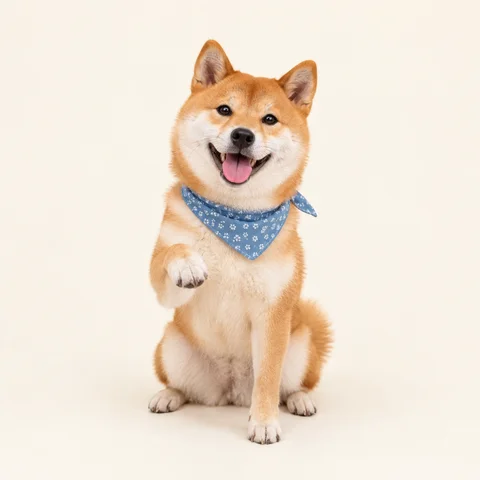
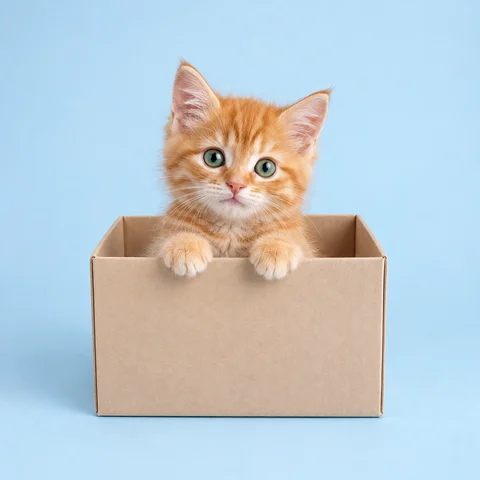
Photo slideshows
Trips, parties, a pet growing up—a set of photos that flips by itself.
Free · No watermark · Nothing uploaded
Turn a set of photos or pictures into one animated GIF: drag them into order, set the timing and transition, and export in seconds.
Step 1 · Add your images
Pick several at once—up to 100. JPG, PNG, WebP, HEIC and GIF. Images never leave your browser.
No images handy? Try a sample
Three steps
No software and no uploads—done in your browser in about a minute.
Select several images at once, drop them in or paste screenshots—up to 100. JPG, PNG, WebP, HEIC and GIF.
Drag thumbnails into order, set how long each image shows, add a crossfade, choose looping, ratio and size. The preview plays exactly like the export.
Export in seconds, then download, share or save it to your photos.
Free & private
Many online GIF makers upload your images and render them on a server. This one builds the GIF in your browser, so every change shows instantly.
| Sticker Kitchen | Typical online GIF makers | |
|---|---|---|
| Price | Free and unlimited | Free tiers often cap images or add a watermark |
| Upload | Never uploaded—built in your browser | Images are uploaded to a server |
| Preview | Changes show instantly | Each change means another render |
| Transitions | Built-in crossfade | Usually hard cuts only |
| Watermark & sign-up | No watermark, no sign-up | Some require an account |
Settings guide
Ideas
Trips, parties, a pet growing up—a set of photos that flips by itself.
Makeovers, edits or fitness progress, toggling between two shots.
Hand-drawn frames at 0.1–0.2s become a little animated sticker.
Product angles or step-by-step screenshots in a single GIF.
Only one photo?
Image to GIF plays the pictures you already have, in order—it doesn’t invent new frames. If you have one photo and want the person or pet in it to wave, blink or nod, that takes AI-generated motion.
Image to GIF (this page)
Several images → a GIF that plays them in order · Free
AI photo to GIF →
One photo → AI-generated motion · 2 credits
FAQ
Yes—free, unlimited, no sign-up, and no watermark.
No. Images are read and combined in your browser, and the GIF is saved to your device. Our servers never see them.
Up to 100. More and larger images mean slower exports and bigger files; 5–30 works best.
JPG, PNG, WebP and GIF; HEIC works in Safari. A GIF contributes its first frame.
Every frame uses one ratio. Show all keeps each image whole on a blur, white, black or transparent backdrop; crop to fill trims the edges.
Yes. Transparent PNGs keep their transparency, and a transparent backdrop leaves the padding clear. GIFs support only fully clear or solid pixels, so soft edges become solid.
Drag thumbnails on desktop or use the arrows under each one on mobile. Set 0.1–3 seconds per image; every image uses the same timing.
Use fewer images, choose 240 or 360 pixels, pick Balanced or Smaller colors, or turn off the crossfade, which adds frames.
Image to GIF plays your existing images in order and is free. AI photo to GIF starts from one photo and generates motion that wasn’t there, for 2 credits.
No. It works in any modern desktop or mobile browser.
Still have a question? Email support@biaoqingchufang.com